
File Details |
|
| File Size | 1.6 MB |
|---|---|
| License | Open Source |
| Operating System | Windows (All) |
| Date Added | June 28, 2023 |
| Total Downloads | 282,898 |
| Publisher | Igor Pavlov |
| Homepage | 7-Zip |
Publisher's Description
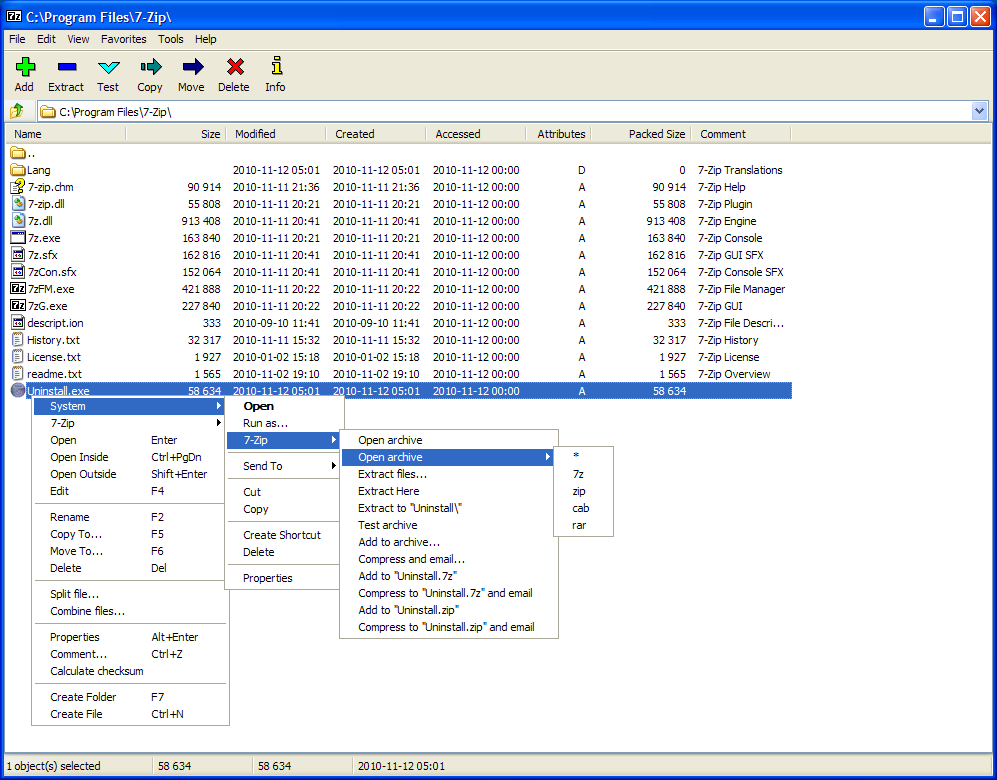
7-Zip is a file archiver with a high compression ratio. The program supports 7z, ZIP, CAB, RAR, ARJ, LZH, CHM, GZIP, BZIP2, Z, TAR, CPIO, RPM and DEB formats. Compression ratio in the new 7z format is 30-50% better than ratio in ZIP format.
Latest Reviews

some guy reviewed v21.04 on Nov 19, 2021
my favorite does it all non bloat

taxis reviewed v18.04 Beta on Apr 26, 2018
Excellent general-purpose archiver. For those who complain about the "beta" state, it is just a word. I use it for years and found it very reliable, much more so than a lot of "release" software.

seekingmyfreedom reviewed v18.00 Beta on Jan 10, 2018
18.00 is still a beta.

aaronpriest reviewed v17.00 on May 9, 2017
17.00 is still beta

rallen52 reviewed v16.04 on Oct 5, 2016
great app,can someone tell me how to change the icons,can t figure out the manager,thanks

Aegis69 reviewed v15.10 Beta on Nov 3, 2015
Why in the name of Odins beard do they continue to use these incredibly ugly icons, the application will never get anywhere as long as they continue to use them.
You can manually update the icons with the following link, but why do they not just change them??
http://www.7ztm.de/

gregzeng reviewed v15.08 Beta on Oct 2, 2015
7z1508-x64.exe
OPEN SOURCE, compared to copyright (foreign, unknown) stuff hidden in newish RAR, etc.
Also available as 32 bit.
Allows compression, decompression of many file types.
Regularly improved, upgraded, with compatibility with many older & freeware versions.
State of the art GUI menu interface, with good folder usage, file usage.
Version inbuilt into my favorite file browser (Servant Salamander) is faster, & almost as tightly compressed.
7-zip is used as a benchmark standard by many reviewing sites.
Benchmarking allows 8-core tests.
Ultra-compilation only allows 2-core, with very small improvement on overall compression.

Music4Ever reviewed v15.08 Beta on Oct 1, 2015
Its very good but not IMO as good as Winrar, but I don't think anything is - Great for free though!

inkowyouknow reviewed v15.05 Beta on Jun 25, 2015
The only program to use, forget winzip and there charges this is free and does the same job if not better.

Kaden reviewed v15.00 Alpha on Apr 6, 2015
dhry, refer here for Igor Pavlov's own explanation as to what seems like 7-Zip's odd version numbering: http://sourceforge.net/p...n/45797/thread/e127e39c . This is an old explanation but still holds true.

some guy reviewed v21.04 on Nov 19, 2021
Pros: great stuff glad to see it got and update
Cons: lets go brandon
Bottom Line: my favorite does it all non bloat
taxis reviewed v18.04 Beta on Apr 26, 2018
Pros: - very well designed efficient "7z" format (fast, high compression rate)
- supports most common formats
- open source, pipeline architecture
- stable, no bloat
Cons: no support for RAR, no error-correction
Bottom Line: Excellent general-purpose archiver. For those who complain about the "beta" state, it is just a word. I use it for years and found it very reliable, much more so than a lot of "release" software.
seekingmyfreedom reviewed v18.00 Beta on Jan 10, 2018
Pros: Nice interface
Cons: None
Bottom Line: 18.00 is still a beta.
aaronpriest reviewed v17.00 on May 9, 2017
17.00 is still beta
rallen52 reviewed v16.04 on Oct 5, 2016
great app,can someone tell me how to change the icons,can t figure out the manager,thanks
Aegis69 reviewed v15.10 Beta on Nov 3, 2015
Why in the name of Odins beard do they continue to use these incredibly ugly icons, the application will never get anywhere as long as they continue to use them.
You can manually update the icons with the following link, but why do they not just change them??
http://www.7ztm.de/
gregzeng reviewed v15.08 Beta on Oct 2, 2015
7z1508-x64.exe
OPEN SOURCE, compared to copyright (foreign, unknown) stuff hidden in newish RAR, etc.
Also available as 32 bit.
Allows compression, decompression of many file types.
Regularly improved, upgraded, with compatibility with many older & freeware versions.
State of the art GUI menu interface, with good folder usage, file usage.
Version inbuilt into my favorite file browser (Servant Salamander) is faster, & almost as tightly compressed.
7-zip is used as a benchmark standard by many reviewing sites.
Benchmarking allows 8-core tests.
Ultra-compilation only allows 2-core, with very small improvement on overall compression.
Music4Ever reviewed v15.08 Beta on Oct 1, 2015
Its very good but not IMO as good as Winrar, but I don't think anything is - Great for free though!
inkowyouknow reviewed v15.05 Beta on Jun 25, 2015
The only program to use, forget winzip and there charges this is free and does the same job if not better.
Kaden reviewed v15.00 Alpha on Apr 6, 2015
dhry, refer here for Igor Pavlov's own explanation as to what seems like 7-Zip's odd version numbering: http://sourceforge.net/p...n/45797/thread/e127e39c . This is an old explanation but still holds true.

dhry reviewed v15.00 Alpha on Apr 6, 2015
Why the did version of this program go from 9.38 to 15.00?

Enlightenment reviewed v9.38 Beta on Apr 4, 2015
7-Zip still doesn't support file recovery redundancy data to protect archive files against file damage, nor does 7-Zip support a larger file checksum than 32-bit CRC32.
WinRAR has options for file recovery and 256-bit BLAKE2 file hash.
7z isn't as robust for long-term storage as the better RAR file format.
Free is NOT always better!!
Enlightenment reviewed v9.38 Beta on Apr 4, 2015
7-Zip still doesn't support file recovery redundancy data to protect archive files against file damage, nor does 7-Zip support a larger file checksum than 32-bit CRC32.
WinRAR has options for file recovery and 256-bit BLAKE2 file hash.
7z isn't as robust for long-term storage as the better RAR file format.
Free is NOT always better!